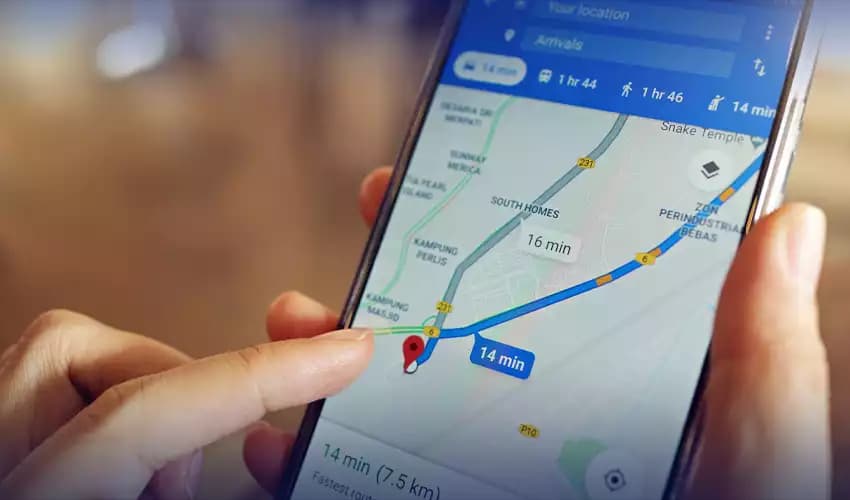
Google is widely expanding a new power-saving navigation mode for Pixel 10 users, tackling one of the biggest drains on smartphone battery life: GPS navigation. Part of the November Feature Drop, this update leverages the phone's hardware to run Google Maps directly on the Always-On Display (AOD), significantly reducing power consumption during long drives.
While initially scarce after its announcement, reports now confirm the feature is hitting devices globally.
Extending Battery Life with AOD Min Mode
The new feature utilizes "AOD Min Mode," a specialized display state exclusive to the Pixel 10 series. When activated, Google Maps strips away the colorful, data-heavy map interface. Instead, it presents a simplified, black-and-white turn-by-turn view.
By switching to this monochrome layout, the phone lowers the screen's refresh rate and brightness. Since the Pixel 10 uses an OLED panel, the black background effectively turns off pixels, drastically cutting energy usage. This approach allows the phone to display essential navigation data—like the next turn—without waking the full operating system or lighting up the entire screen.
Real-World Battery Gains
Google claims this mode can provide up to four extra hours of navigation time. While the company initially promised power savings without specific metrics, early tests suggest the simplified interface makes a measurable difference for drivers who cannot plug in their devices.
This feature specifically targets “battery anxiety” during navigation. By updating the screen less frequently and removing non-essential visual elements, the Pixel 10 ensures users reach their destination even with a low charge.
How to Enable Power Saving Mode
Pixel 10 owners can activate the feature immediately. To check for availability:
-
Open Google Maps.
-
Navigate to Settings > Navigation.
-
Scroll to Driving Options.
-
Toggle on Power saving mode.
Once enabled, the mode kicks in automatically when you start driving navigation and lock your screen. A prompt card may also appear at the start of a trip if the feature is available on your account.
Integration with Gemini
This rollout coincides with deeper Gemini integration across Google's ecosystem. While the power-saving mode handles visual efficiency, Gemini aims to streamline the interaction experience. The AI assistant now powers hands-free navigation commands, allowing drivers to find destinations or add stops using natural language, further reducing the need to touch the screen.
Current Limitations
Despite its utility, the feature comes with strict limitations. Currently, Google Maps Power Saving Mode works exclusively in Driving Mode. Users walking or biking cannot utilize the AOD navigation view.
Furthermore, the feature remains exclusive to the Pixel 10 family, including the Pixel 10 Pro and Fold. Google has not confirmed if this capability will come to the Pixel 9 series or other Android devices, leaving it as a key differentiator for their latest flagship lineup.